One call, one complete ad
create_ad takes your app's name, pitch, screens and brand color and composes hook → proof → CTA: palette derived, headlines written, voiceover synthesized per beat, captions and music placed.
ClipForge composes complete short-form app ads — hook, proof, CTA, voiceover, word-synced captions, music — from a single call, then hands you a real multi-lane timeline to polish every cut. One project, delivered to TikTok, Reels, Shorts, YouTube and feed formats.
Renders on-device No account needed to edit Free editor · Premium from $4.99/mo
Why ClipForge
An ad-shaped workflow with a serious editor underneath: the fastest path from “I shipped an app” to “my ad is live on every platform”.
create_ad takes your app's name, pitch, screens and brand color and composes hook → proof → CTA: palette derived, headlines written, voiceover synthesized per beat, captions and music placed.
Over 50 MCP tools behind a local HTTP endpoint — one command connects Claude Code. Clips, keyframes, captions, voiceover, music, export: everything the editor does, an agent can do.
On-device text-to-speech, free and offline. Each beat gets its own line so the voice lands on the screen it describes, with captions synced from the engine's own word timings.
Word-highlight and karaoke styles with plate, outline and shadow looks — linted for contrast against the footage and kept inside each platform's safe zone.
export_variants renders a 9:16 master, then delivers TikTok, Reels, Facebook Reels and Shorts copies plus reframed 16:9 YouTube and 4:5 feed files, each checked against the platform's limits.
check_ad scores hook, pacing and CTA; analyze_export measures the rendered file's loudness curve and cut rhythm; a contact sheet shows every beat at a glance — before you press play.
How it works
Claude Code drives the editor through ClipForge's local MCP endpoint, and everything it does lands on the same timeline you edit by hand.
Turn on the MCP endpoint in Settings and paste one claude mcp add command. Every editor feature is now a tool.
Name, one-line pitch, screenshots or a screen recording, brand color, target platform. Claude writes the headlines and voiceover lines.
create_ad frames your screens, derives the palette, structures hook → proof → CTA, synthesizes the voiceover per beat, places captions, music and SFX.
Quality gates score the cut and analyze the rendered audio. Tweak anything on the timeline, then export_variants delivers every platform format.
create_ad
App-install ads have a shape. create_ad builds to it from your real screens, then checks its own work before you ever press play.
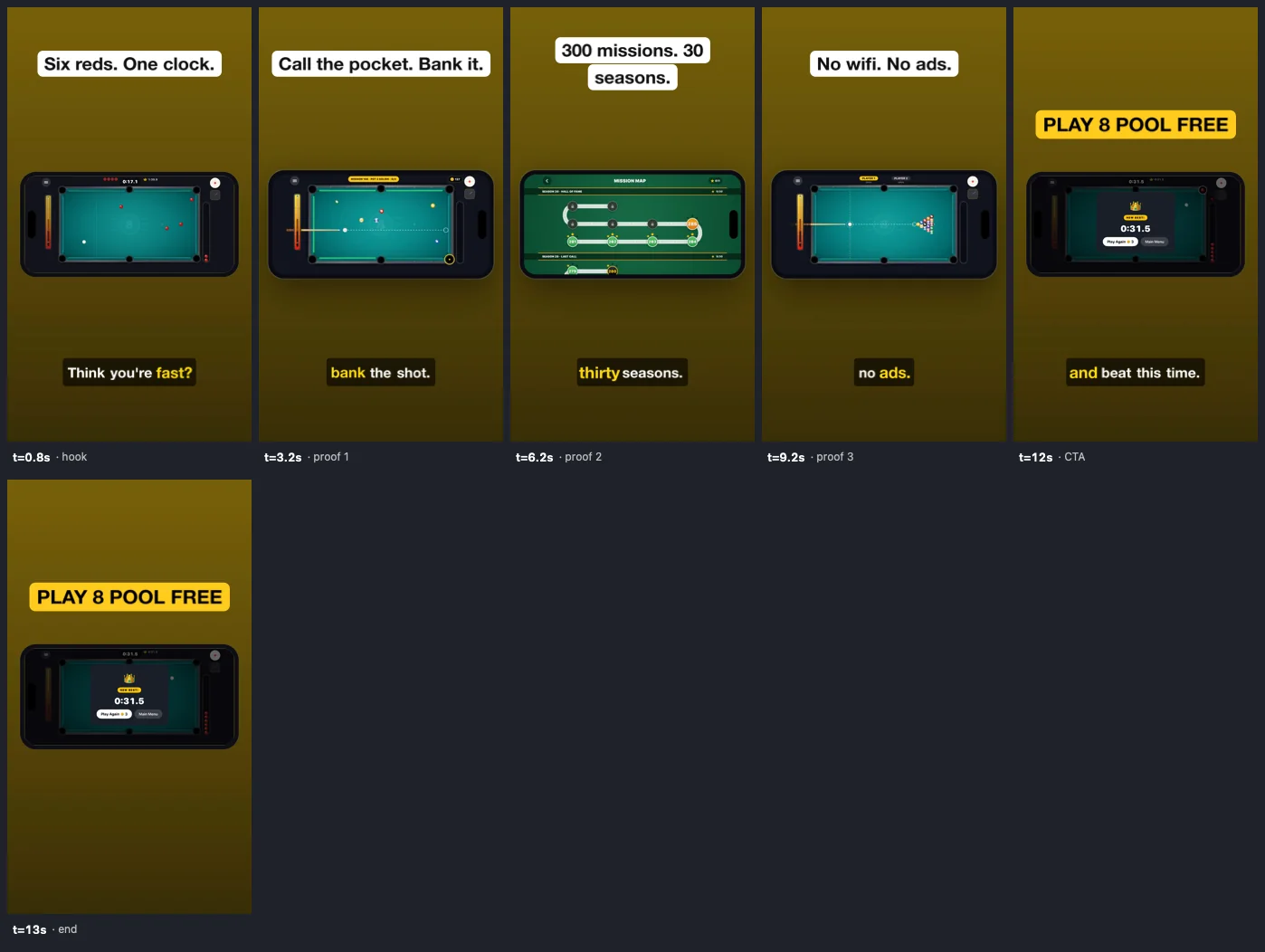
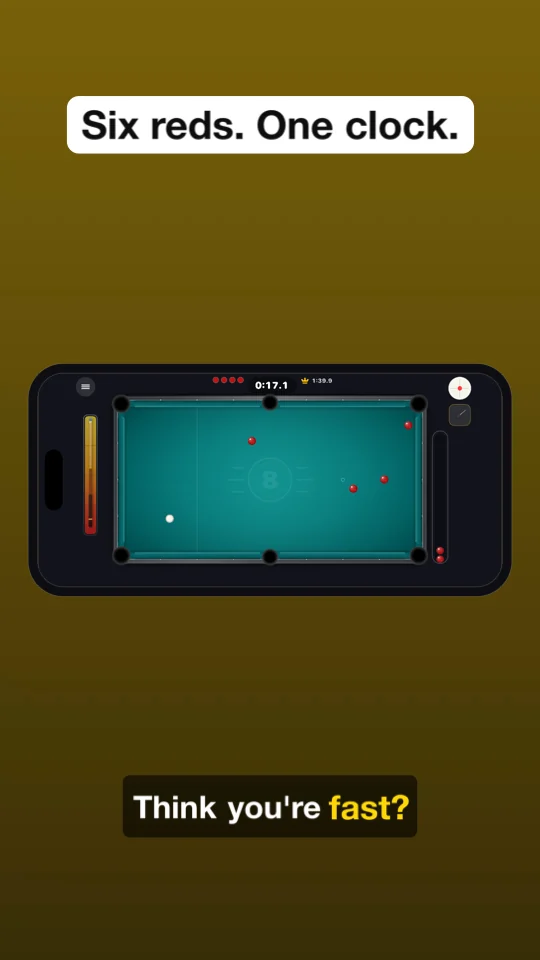
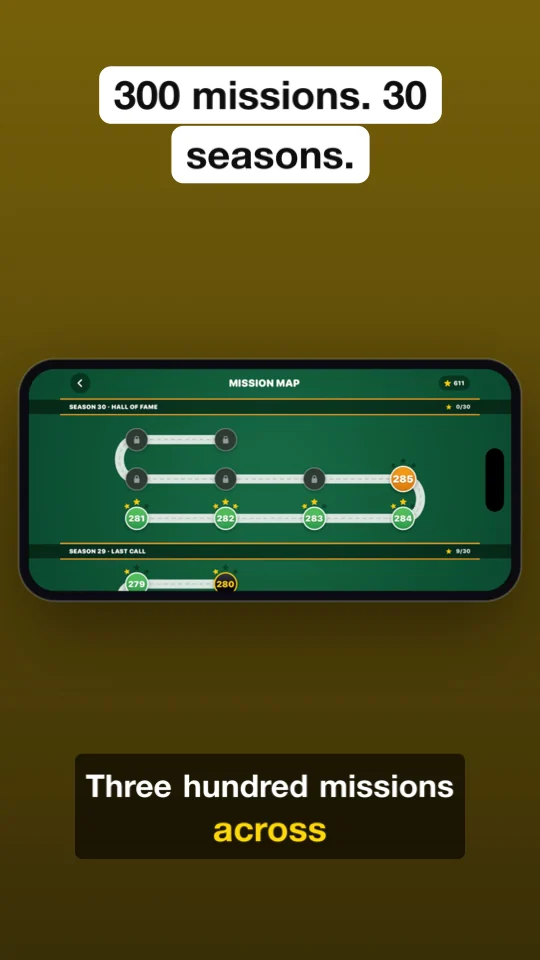
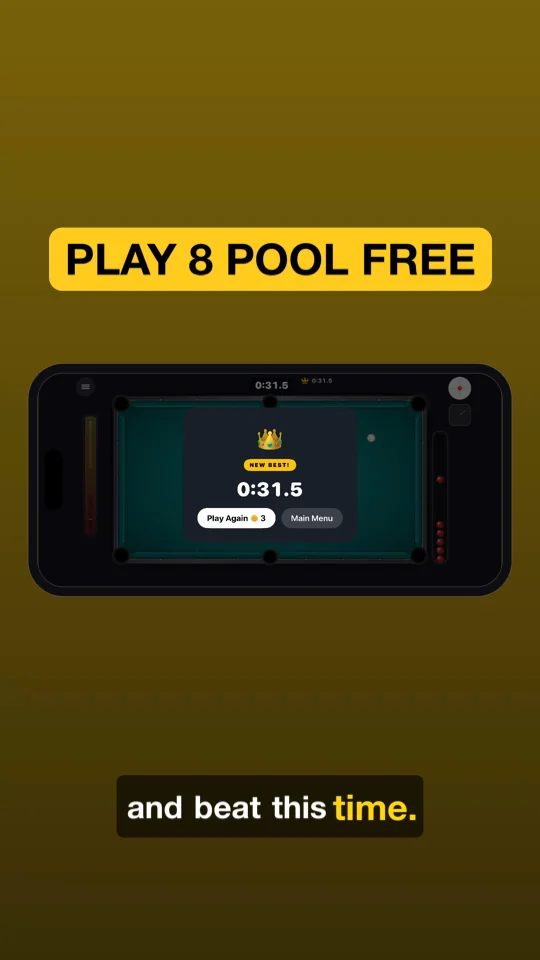
render_contact_sheet returns after one create_ad call — hook, three proof beats and the CTA, sampled from the real render.One project, every platform
Pick a target platform and ClipForge uses its safe zones, caption position and limits. When you're happy, export_variants renders the master once and delivers every format — the wide and feed versions reframed onto your brand gradient.
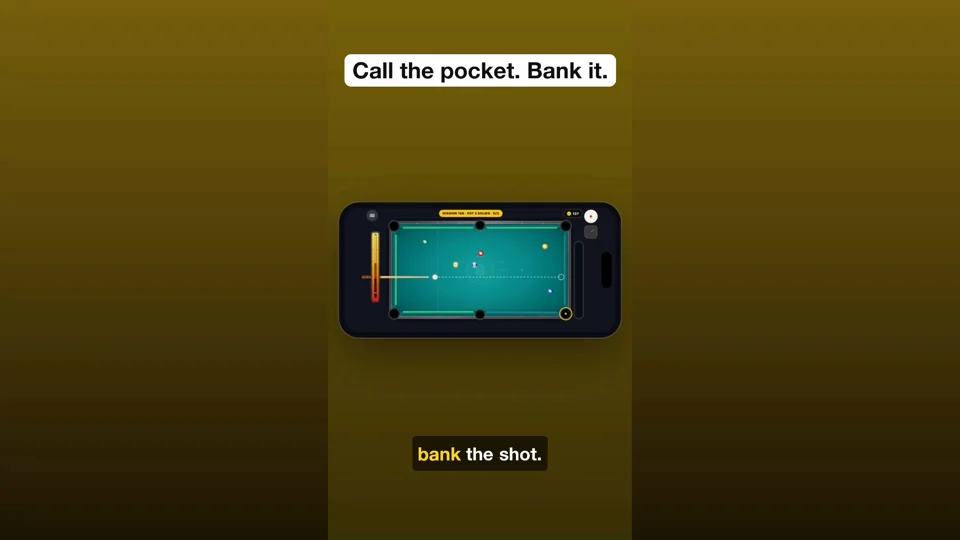
8pool-youtube.mp4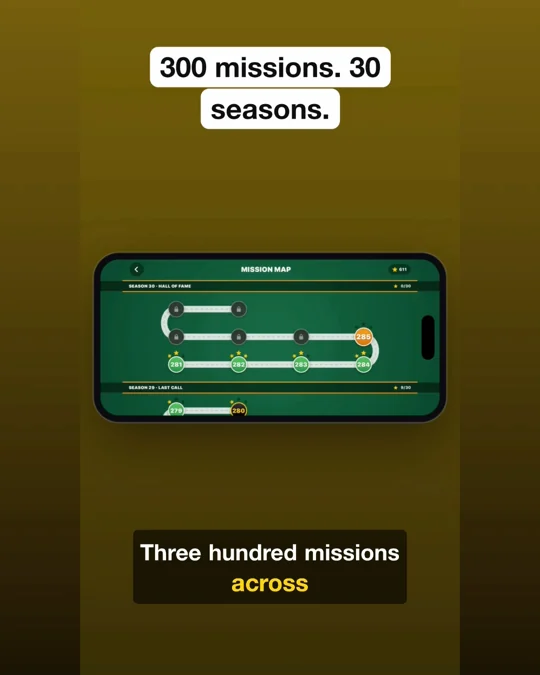
8pool-feed.mp4MCP, built in
ClipForge serves the Model Context Protocol over HTTP on your Mac, protected by a token you control. One command registers it in Claude Code; any MCP client works the same way.
The editor
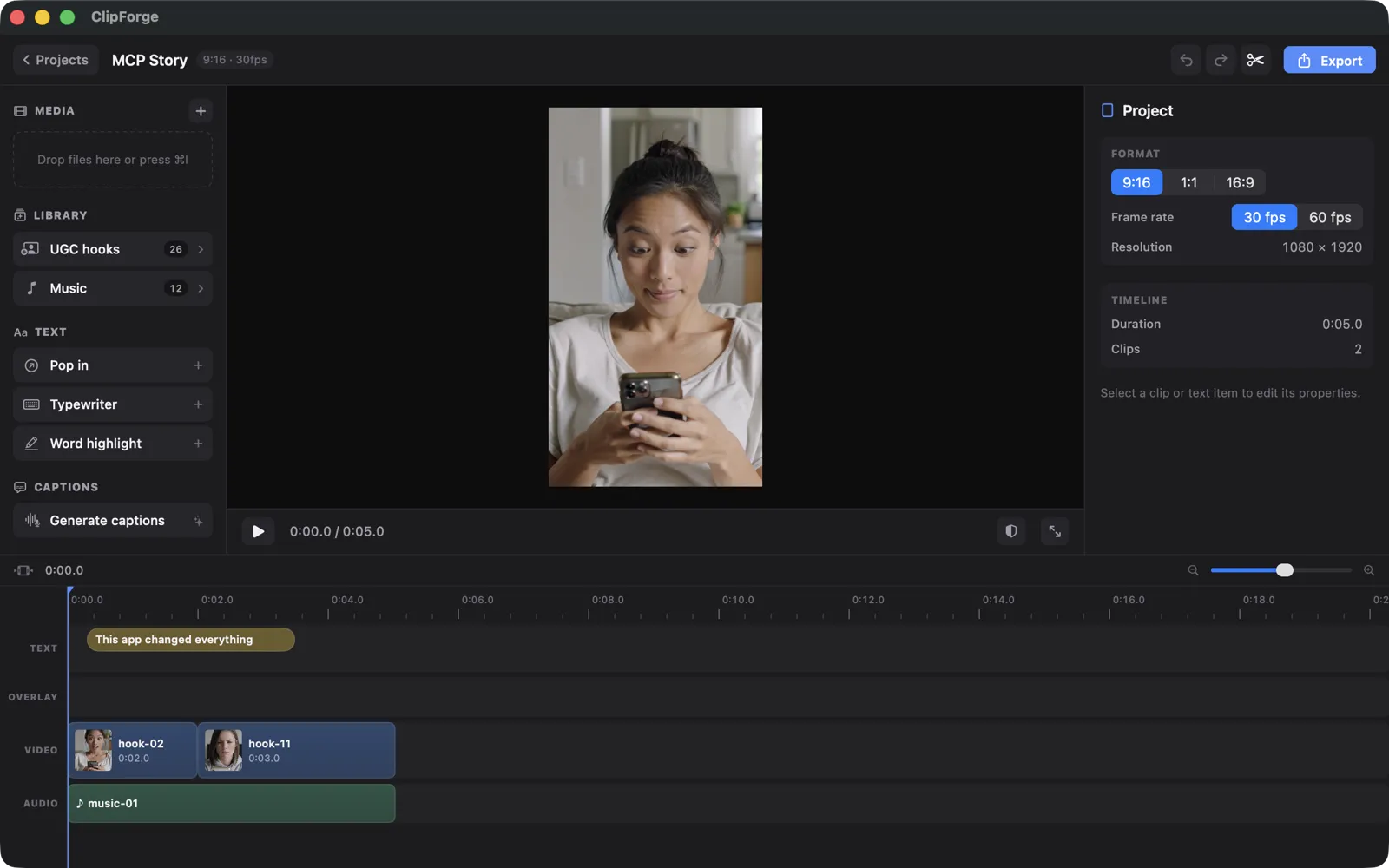
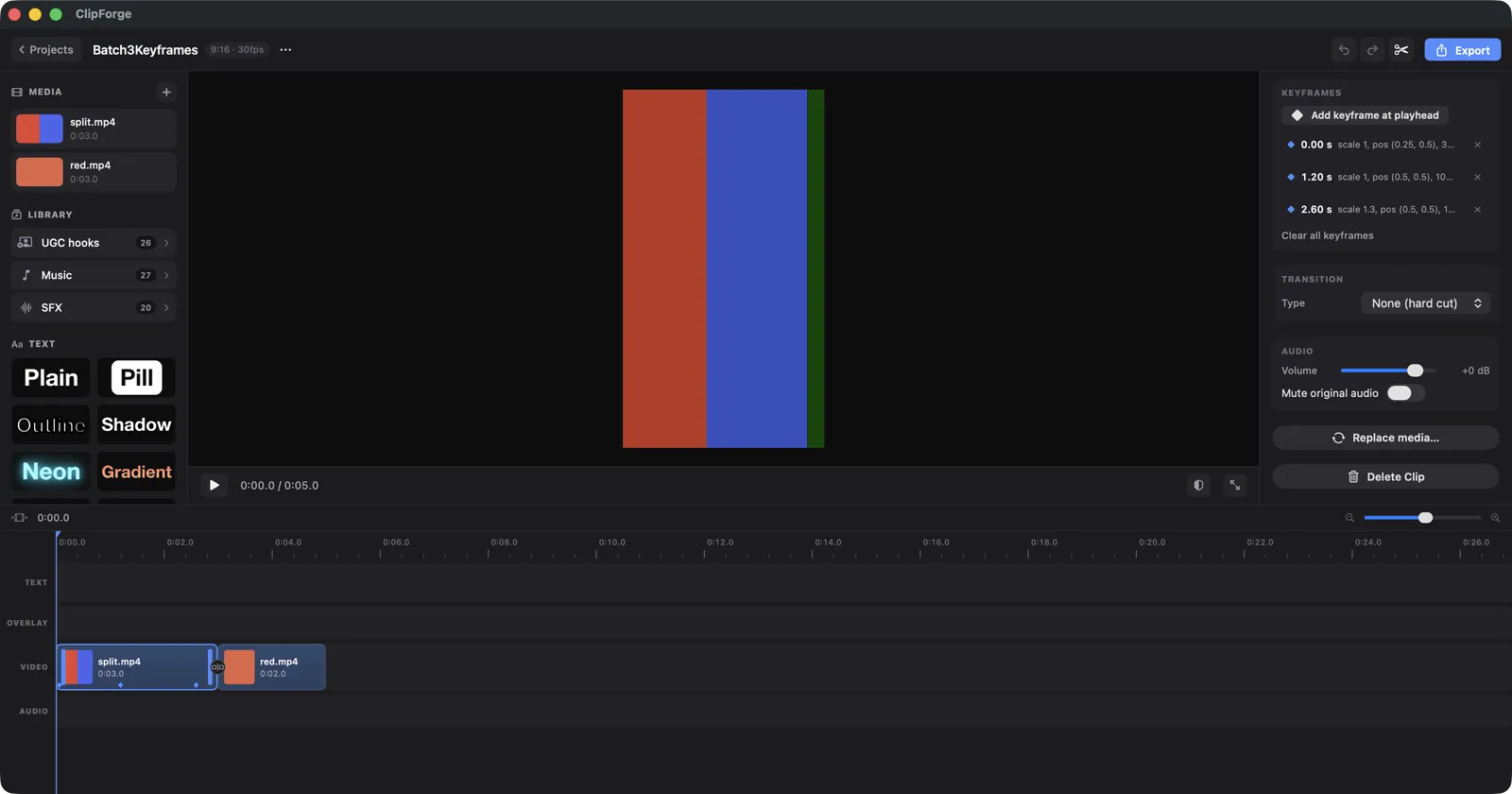
A first draft is only useful if you can polish it. ClipForge is a native Mac app with a serious multi-lane editor — not a mobile port.
Pricing
Everything renders on your Mac, so the editor stays free. Premium unlocks the parts that cost us money to build.
The whole editor, forever.
The libraries and the agent.
Prices in USD, billed through the Mac App Store; regional pricing may differ.
FAQ
The editor is free: the multi-lane timeline, text and captions, on-device voiceover, your own media and music, every format and every export. Premium ($4.99/month, $29.99/year or $69.99 once) adds the UGC hook library, the full music and sound-effects libraries, and the Claude / MCP connection with create_ad. Everything renders on your Mac, so there are no cloud costs baked in.
ClipForge runs a local MCP endpoint on your Mac. You register it in Claude Code with one command, then describe the ad you want. Claude calls the same tools the editor uses — add clips, keyframes, captions, voiceover, music, export — and everything it does lands on a timeline you can keep editing by hand. Your media never leaves the machine.
You give it your app's name, a one-line pitch, screenshots or a screen recording, and a brand color; the agent can also supply the headlines and voiceover lines it wrote. ClipForge derives a palette, structures the ad as hook → proof → call-to-action, synthesizes one voiceover line per beat on-device, places captions inside the platform's safe zone, adds music and sound effects, then scores the result and reports what to fix.
TikTok, Instagram Reels, Facebook Reels and YouTube Shorts in 9:16, YouTube in 16:9 and Instagram / Facebook feed in 4:5. A project targets one platform for its safe zones and caption position; export_variants then delivers every format from the same timeline, reframing the vertical master onto your brand gradient for the wide and feed versions and flagging duration or file-size limits.
No. ClipForge synthesizes voiceovers with on-device text-to-speech — free, offline and private — and the captions are synced word-for-word from the engine's own timings rather than from speech recognition afterwards. Music ducks under the voice automatically.
No. Imported videos, screenshots and screen recordings stay on your Mac, and rendering, transcription and voiceover synthesis all run on-device. You can edit without an account; if you sign in, only your small project file syncs. Library clips and tracks download to a local cache when you use them.
The app's interface ships in 27 languages: English, French, Spanish (Spain and Latin America), Portuguese (Brazil and Portugal), German, Italian, Dutch, Swedish, Danish, Norwegian, Finnish, Polish, Czech, Hungarian, Romanian, Turkish, Greek, Russian, Ukrainian, Japanese, Korean, Simplified and Traditional Chinese, Indonesian, Vietnamese and Thai. Voiceover voices depend on the languages installed in macOS.
Now. ClipForge is on the Mac App Store: the editor is free, and Premium is a monthly or yearly subscription or a one-time lifetime unlock.
ClipForge is on the Mac App Store. The whole editor is free; Premium adds the libraries and the Claude connection when you want them.
Download on the Mac App Store